Your shop in your pocket
Check sales, khata and stock from anywhere — and use a spare phone as the barcode scanner at your counter.
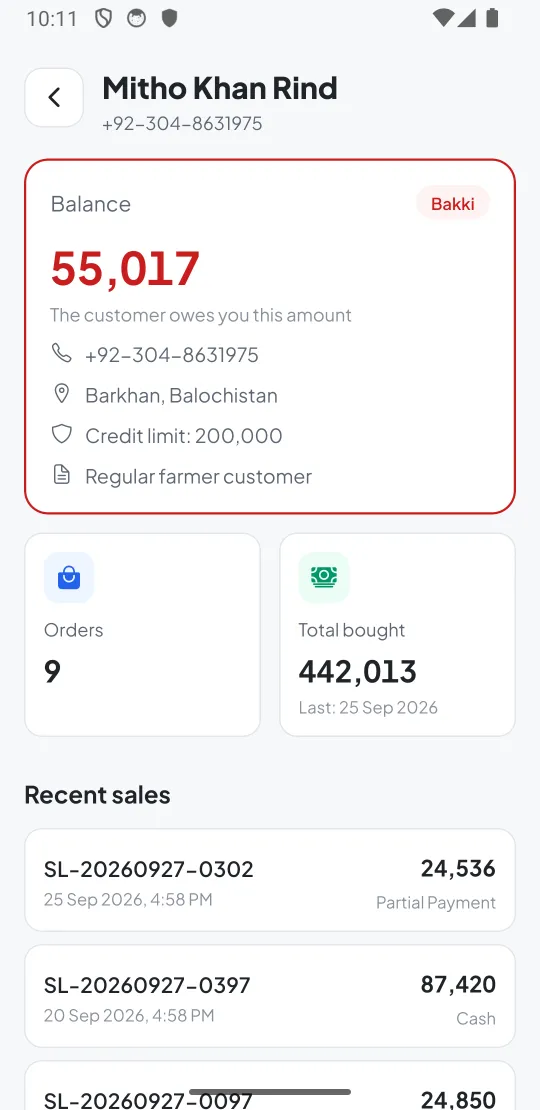
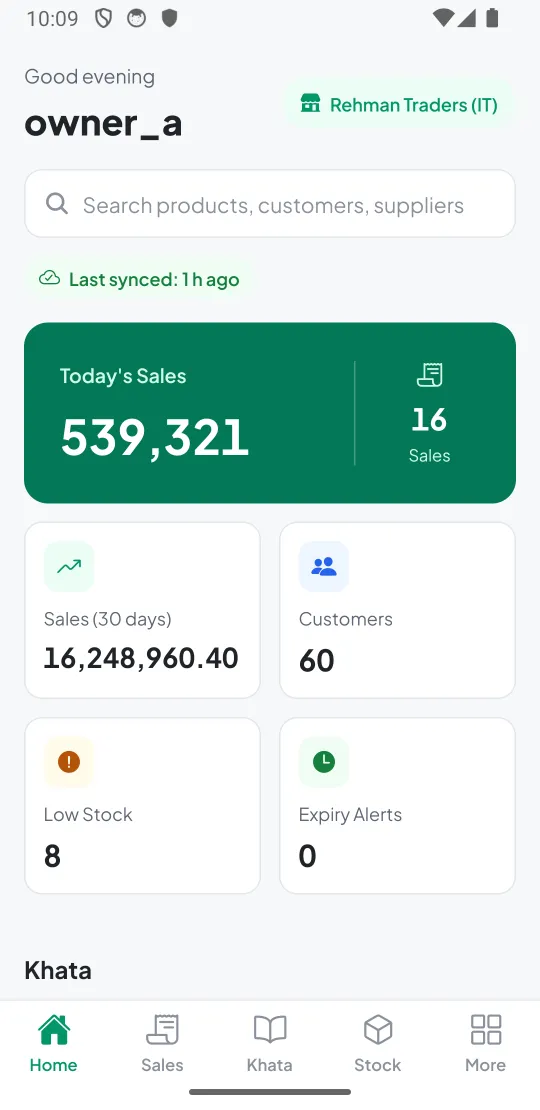
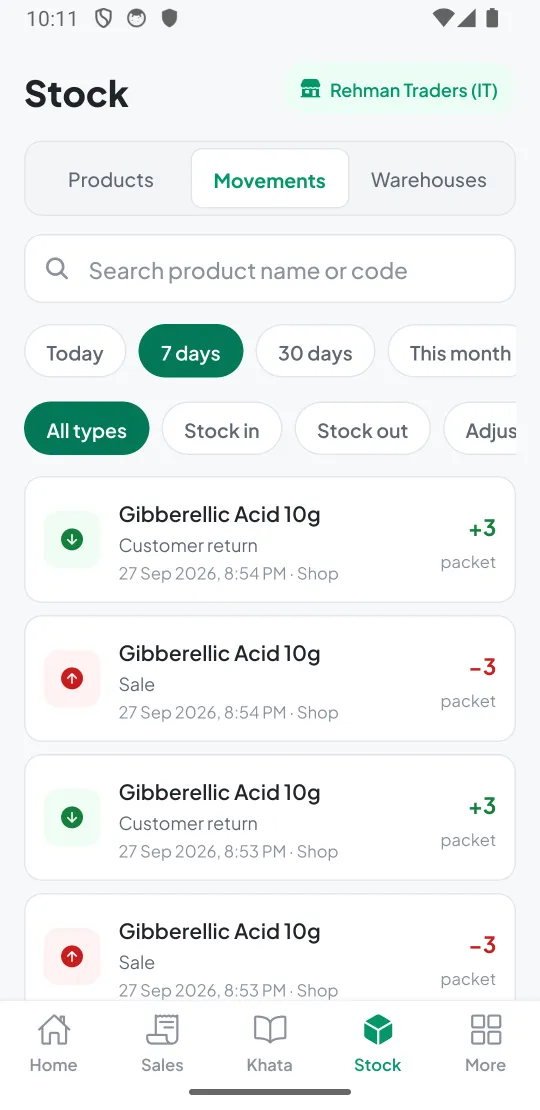
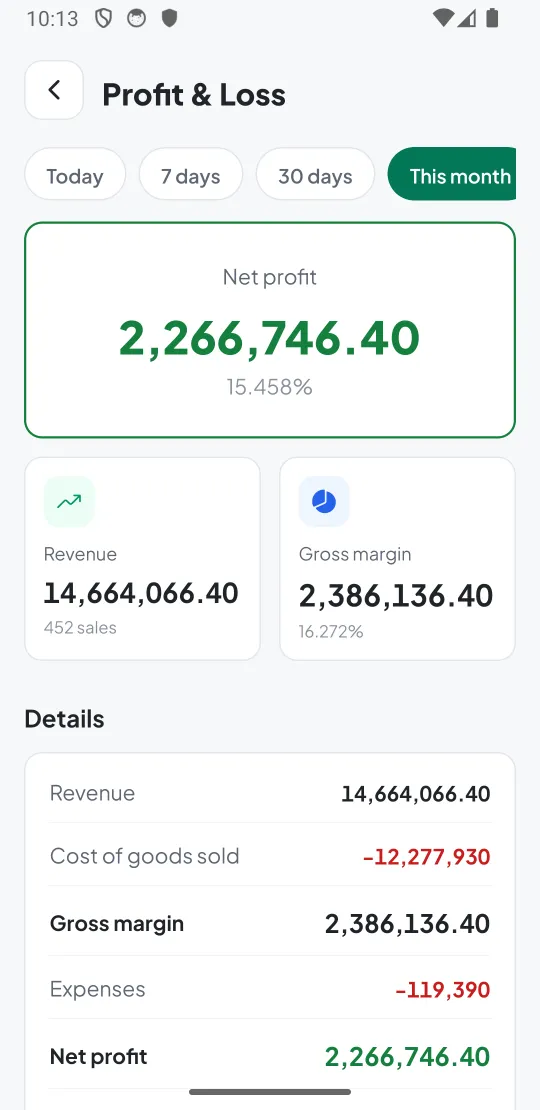
Know how the shop is doing — anywhere
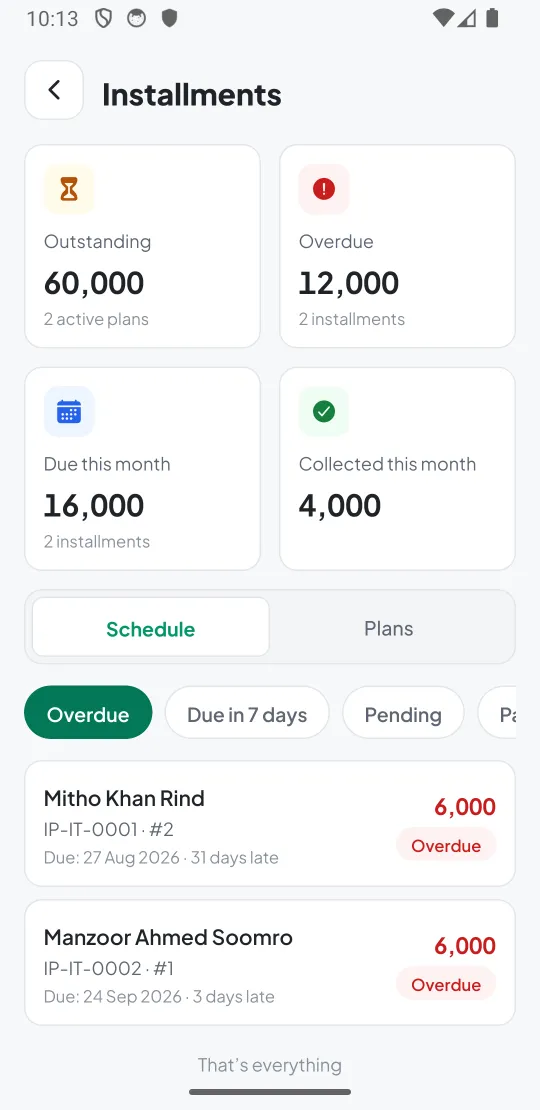
Sign in with your DTijarat account and see your shop's numbers, updated from the till.
- Today's sales, payment methods and the last 30 days
- Customer khata — who owes you and how much
- Stock, movements and low-stock items
- Profit & loss, expenses, returns and installments
- Look up any sale, customer or product
Your phone is the barcode scanner
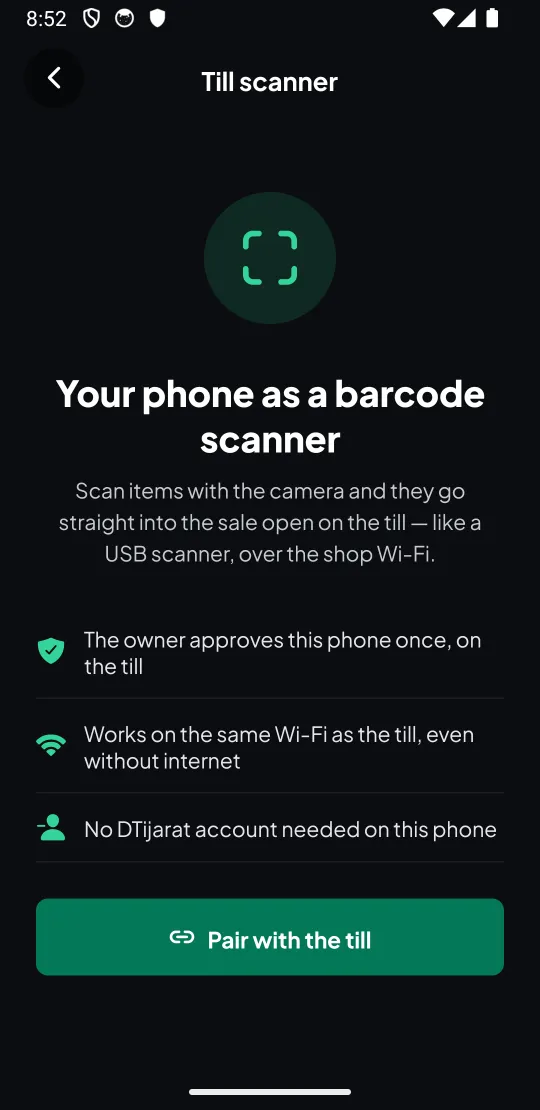
No extra hardware. Any cashier can install the app — the owner approves the phone once from the till.
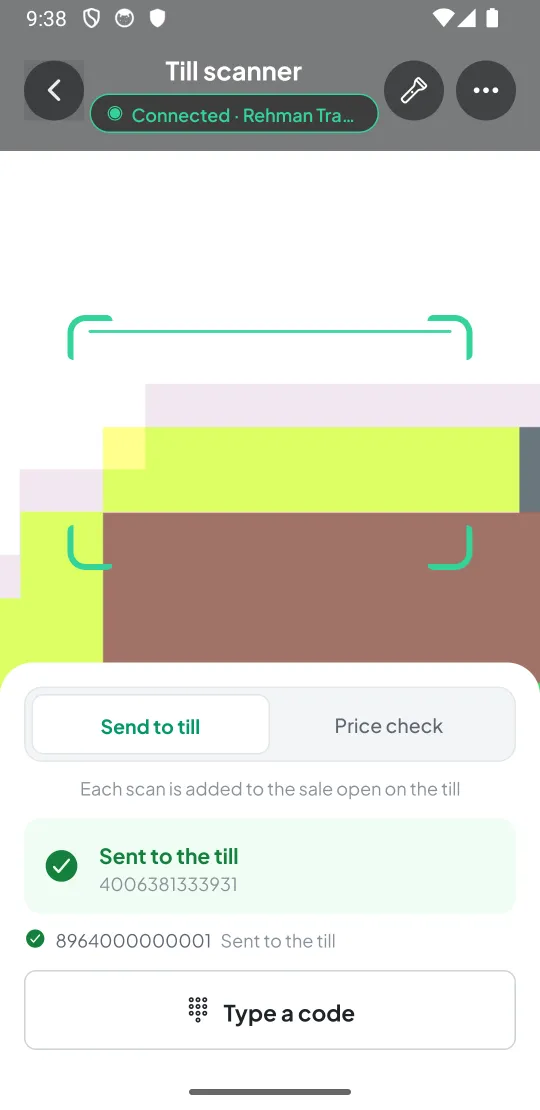
- Send to till — each scan goes straight into the bill on screen, like a USB scanner
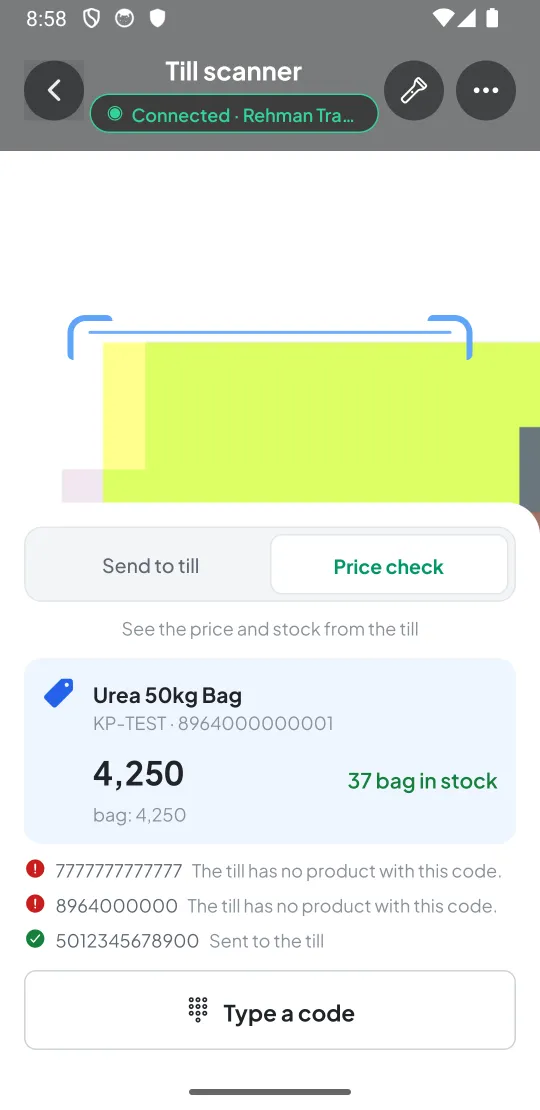
- Price check — scan any item to see its price and stock
- Works over the shop Wi-Fi, even without internet
- No sign-in needed on the cashier's phone
Set up the scanner in a minute
On the till
Admin → Phone Scanners → Pair a Phone. The till shows its address and a one-time code.
On the phone
Open DTijarat → Use as a till scanner → Pair, and enter the address and code.
Scan
Open New Sale on the till and scan. Items appear on the bill instantly.
Get the DTijarat app
Google Play listing is coming soon. Until then, download the app directly from us.
Android
Android 7.0 or newer · 2 GB RAM · 150 MB free · rear camera with autofocus for scanning
Download APKiPhone
iOS 15.1 or newer
Coming soonFor the till scanner your shop computer needs DTijarat with Admin → Barcode and Phone Scanners turned on, and the phone on the same Wi-Fi. On Windows, allow DTijarat on private networks when the firewall asks.
About the mobile app
Is the app free?
Yes. The app is free to download. The owner app shows your shop's data when your plan includes cloud sync (Business and Enterprise).
Does the scanner need internet?
No. The phone talks to the till over your shop's Wi-Fi. Both must be on the same network (not a guest Wi-Fi).
Does the cashier need the owner's password to use the scanner?
No. The scanner mode needs no sign-in. The owner approves each phone once from the till, and can remove it at any time.
Is there an iPhone version?
The app is built for both Android and iPhone. Android is available now; the iPhone version is coming to the App Store.
Is installing an APK safe?
Only install DTijarat from this website (or Google Play when it's listed). You can compare the file's SHA-256 checksum with the one we publish. Android will ask you to allow installs from your browser once.
Put your shop on your phone
The owner app comes with the Business plan. Talk to us and we'll set it up with you.